Good facilitation requires good instruments. Sprightly is a Mac timer built with care — simple enough to disappear into your workflow, deep enough to handle anything you throw at it. Set a time. Let it run. Stay present with the people.
No menus to dig through. No settings to configure. The whole interface is visible at once — because a good tool gets out of the way.
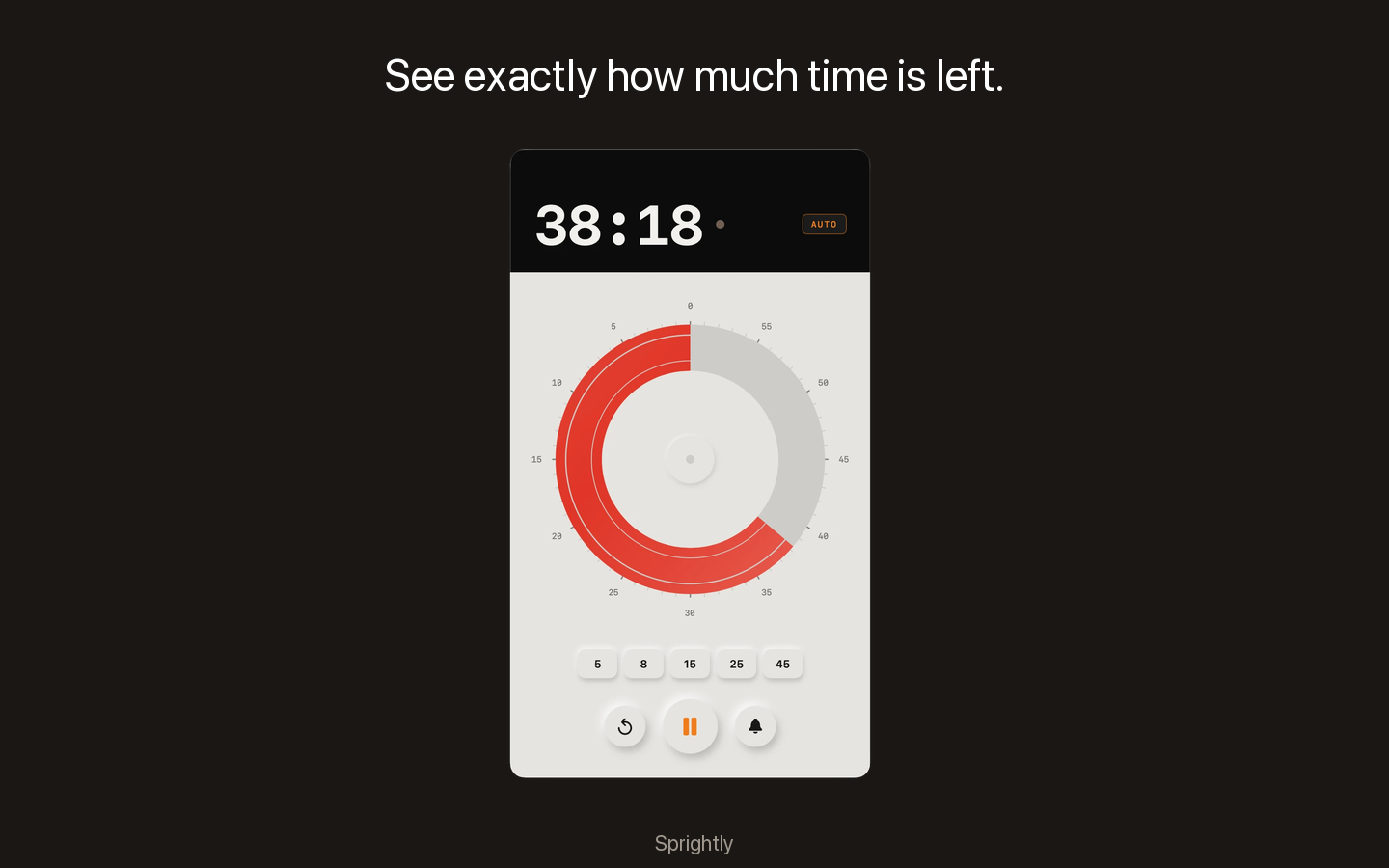
Running
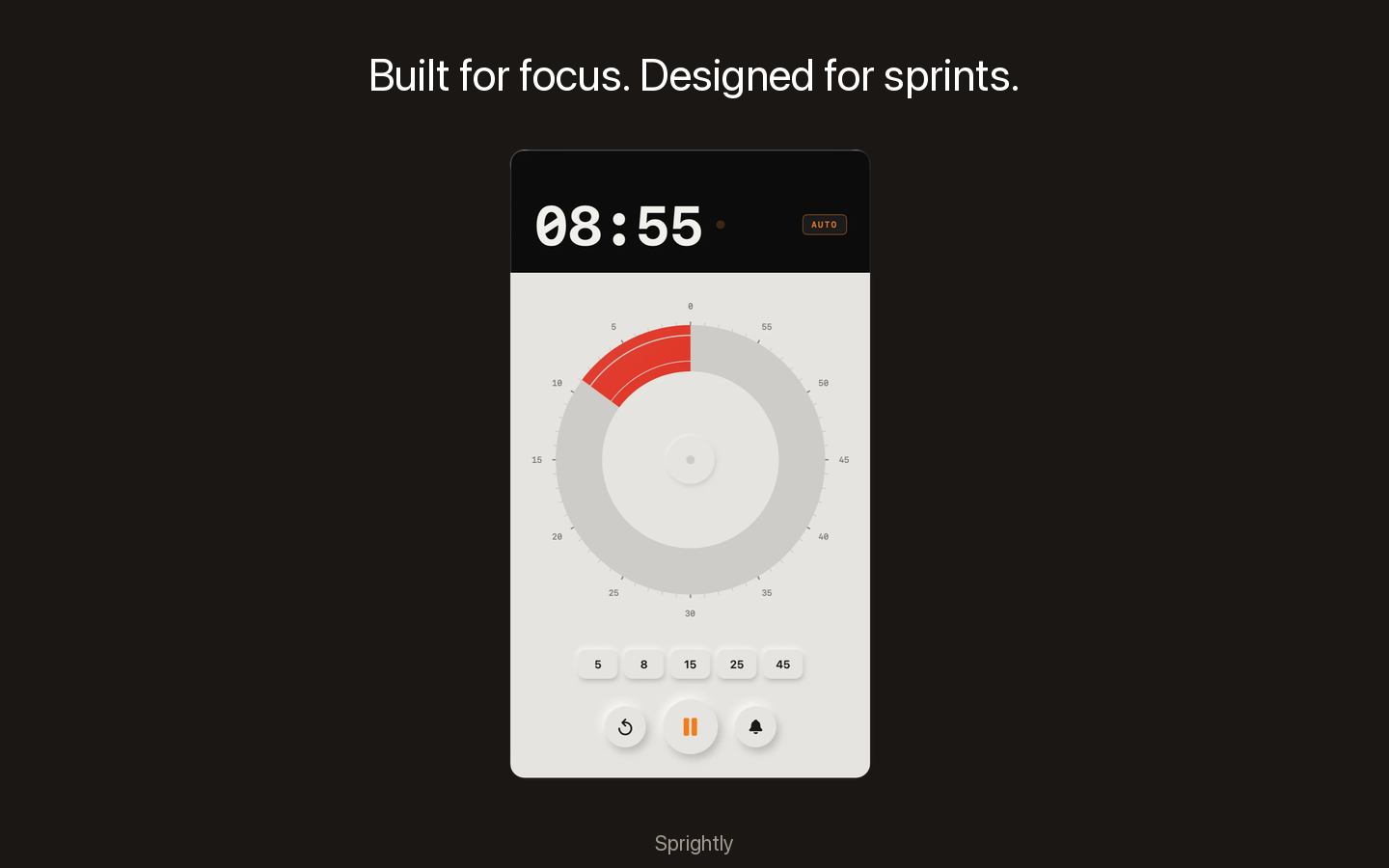
Winding down
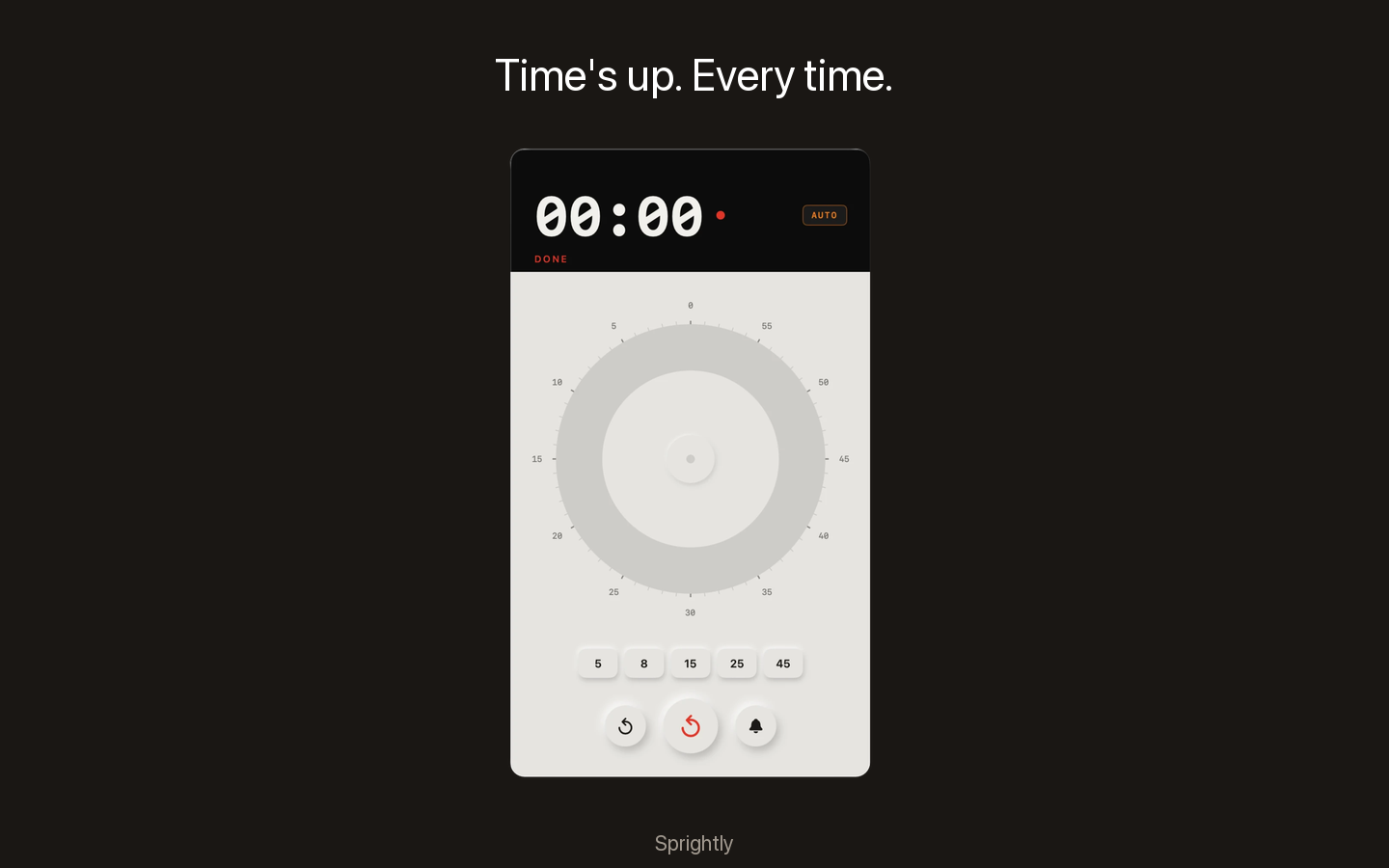
Done
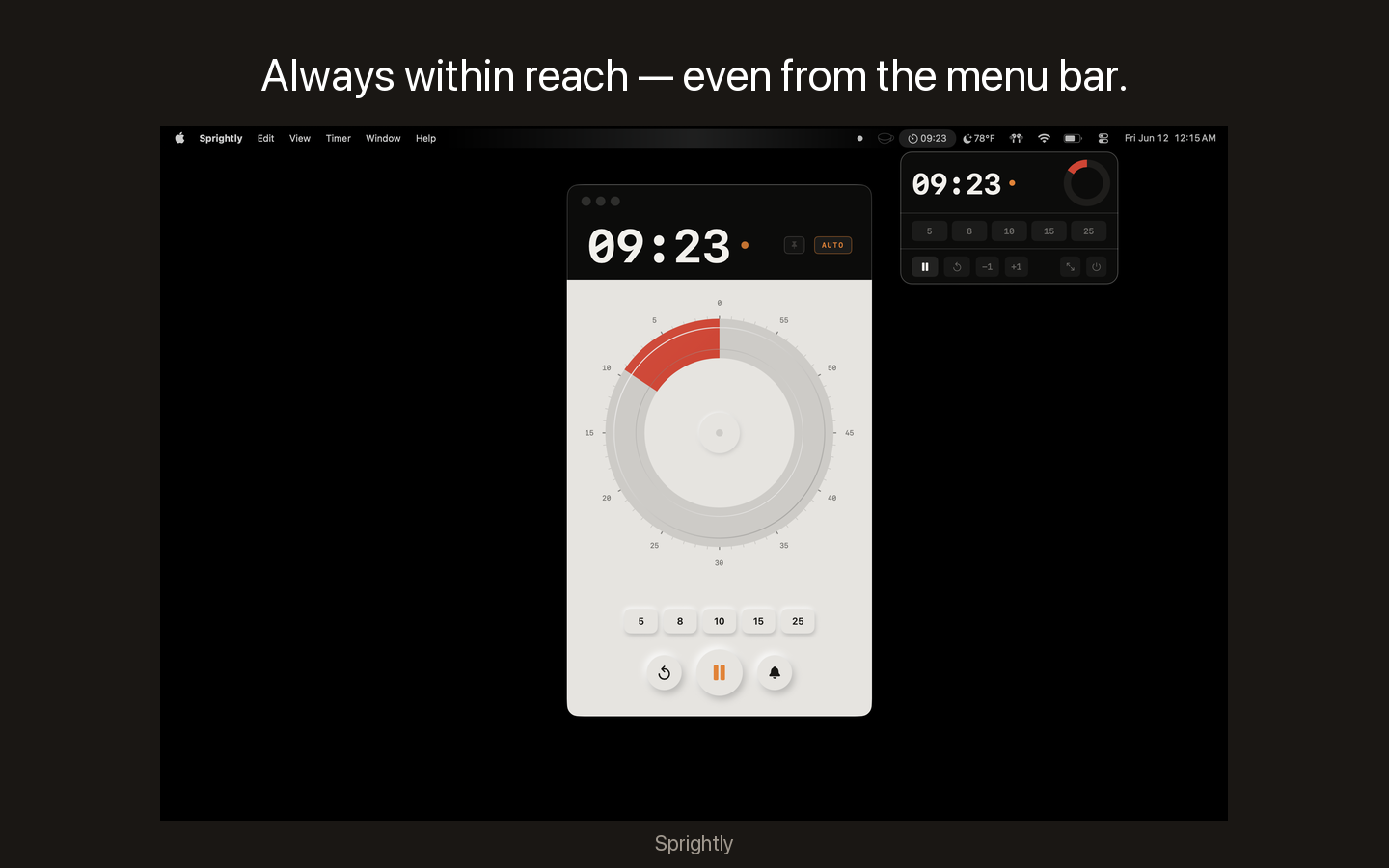
Menu bar
Why Sprightly
Simple up front. Depth underneath.
01
The whole room reads it instantly
A shrinking disc communicates time the way a number never can. No one has to do math. No one has to ask "how much time is left?" Everyone knows — and the session stays focused.
Visual · Peripheral
02
Chain sessions without breaking stride
Turn on AUTO and the next block starts the moment the last one ends. Move through a full day of facilitation — activity to debrief to break to activity — without touching the app between rounds.
Workflow · Automation
03
Three ways to set time — pick yours
Tap a preset, drag the disc, or scrub the time readout. Customizable presets, up to 119 minutes, snaps to the minute. However you think about time, there's a way to set it fast.
Flexible · Precise
04
Stays visible. Stays out of the way.
Pin Sprightly above Keynote, Zoom, or whatever else you're running. It floats on any display, in any corner — present when you need it, invisible when you don't. Set it and forget it.
Focus · Multi-app
05
Always a click away in the menu bar
The Sprightly icon lives in your menu bar and shows a live countdown at a glance. Click it to open a full popover — set a time, start, pause, or reset — without switching apps or hunting for a window.
Accessible · Always present
Made for
The work worth showing up for.
Sprightly earns its place in any session where time shapes what gets done — whether you're leading a room or just doing the work.
Workshops & Sprints
Run every activity with time the whole room can see. The disc creates natural urgency — no one needs to be told when the round is almost up.
Facilitation & Training
Pin it above your slides. The group self-regulates when time is visible — discussions land, activities end, and you stay in the facilitator seat instead of the timekeeper seat.
Deep Work
Set a block, close the apps that don't matter, and let the disc tell you when you're done. No phone, no squinting at a clock. Just you and the work.
Presentations & Talks
Float it on your stage display and always know where you are without glancing at your wrist. Land the close with time to spare — not scrambling through the last slide.
Meetings that end on time
When everyone can see the clock, the room self-corrects. The disc going empty is a better signal than any interruption — and nobody has to be the bad guy.
Thinking & Planning
Give a hard problem a defined window. The constraint makes the thinking sharper — and when the disc empties, you know exactly how much of yourself you gave it.
Keyboard-native
Your hands stay on the work.
Every control has a shortcut. Start, pause, reset, pin — all without reaching for the mouse or breaking your flow.
Play / PauseSpace
Reset timerR
5-minute preset1
25-minute preset5
Toggle AUTO modeA
Pin always-on-top⌘ T
FAQ
Good questions deserve straight answers.
Sprightly is a macOS visual countdown timer. Instead of digits, it shows a red disc that shrinks as time passes — readable from across a room, at a glance, without thinking. Built for facilitators, workshop leaders, and anyone who believes a good session doesn't happen by accident.
Sprightly requires macOS 14 Sonoma or later. It runs natively on both Apple Silicon and Intel Macs. No Rosetta required on M1/M2/M3/M4 machines.
Three ways: tap one of the five preset buttons (customizable to any minute value), drag the red disc clockwise to set a time up to 119 minutes, or drag the time readout up/down to scrub through values. The disc snaps to whole minutes as you drag.
AUTO mode automatically starts the next timer session as soon as the current one ends. When it's on, you can move through a sequence of preset blocks — like five Pomodoro rounds — without touching the app between them. Toggle it with the AUTO button or press A.
Yes. Right-click any preset button to rename it to a different duration. Your custom presets are saved between sessions. The defaults are 5, 8, 10, 15, and 25 minutes.
Three alert modes: silent, a single soft chime, or four chimes (like a classic visual timer). Cycle between them using the bell button in the app or the Timer menu. Your preference is remembered.
Yes. With always-on-top mode enabled (⌘T), Sprightly floats above all windows on whatever display you place it on. Move it to a second monitor or corner of your presentation display and it stays put while you work in other apps.
The Sprightly icon in your menu bar shows a live countdown while a timer is running — so you always know how much time is left without switching windows. Click the icon to open a popover with full controls: set a time, start, pause, or reset, right from wherever you are.
Free. No subscription, no account, no catch. Download it, use it, keep it.
Get Sprightly
A good tool is worth having.
Free for Mac. Takes 30 seconds to set up. You'll wonder how you ran sessions without it.